Best PDF readers for students, teachers and parents
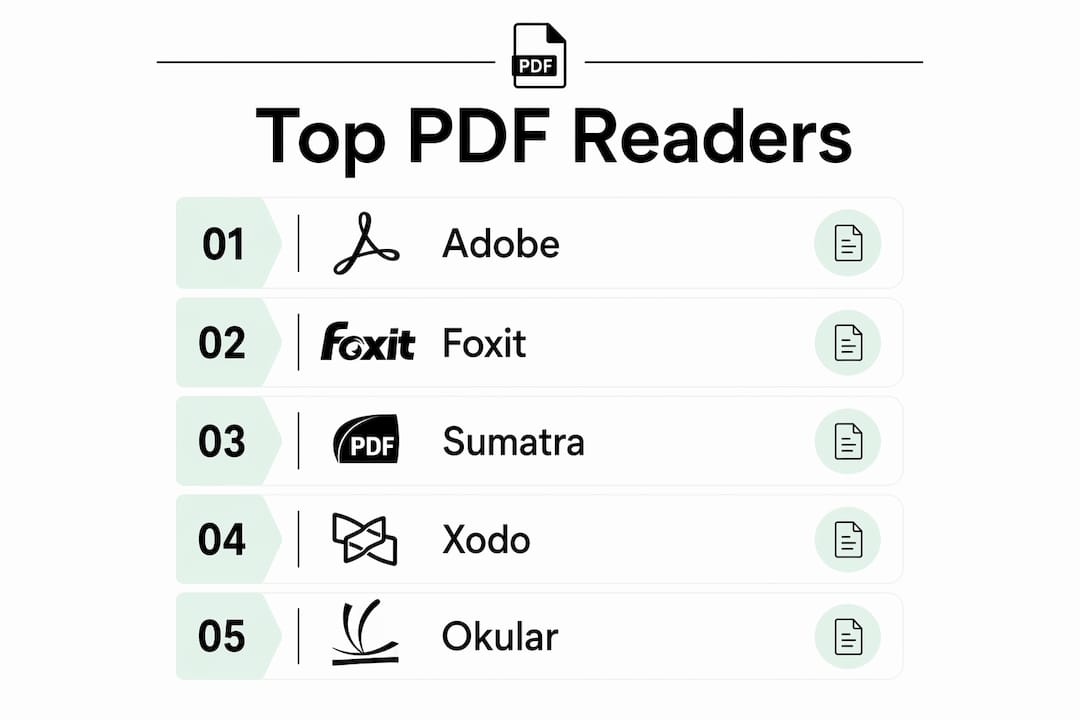
For opening, annotating, and printing South African past exam papers, the best free PDF readers are Adobe Acrobat Reader DC, Foxit PDF Reader, and PDF-XChange Editor for feature-heavy work, Sumatra PDF for older hardware, and Xodo for mobile. Papersza hosts over 8,315 documents spanning grades 3–12, covering DBE, IEB, and provincial papers with memos, all free to download without an account.
Quick shortlist:
- Adobe Acrobat Reader DC — best for teachers needing reliable form-filling and signing on any platform
- Foxit PDF Reader — best for sharing annotated files and collaboration in school settings
- Sumatra PDF — best for students on older or low-spec Windows PCs; opens papers instantly
- Xodo — best for annotating on a phone or tablet with synced notes across devices
- PDF-XChange Editor — best for OCR on scanned past papers and detailed annotation on Windows
- Okular — best for Linux users or anyone who wants one app for PDFs, e-books, and notes
- Preview (macOS) — best for Mac users who want zero-install highlighting and quick printing
Your browser (Chrome, Edge, Firefox) handles simple PDF reading fine. Install a dedicated reader when you need to highlight, fill forms, work with scanned papers, or save annotated copies.
Table of Contents
Which PDF readers work best for past exam papers?
| Reader | Platforms | Price | Annotation | Form filling | Speed/Resources | Cloud/Mobile | OCR | Best for |
|---|---|---|---|---|---|---|---|---|
| Adobe Acrobat Reader DC | Win/Mac/iOS/Android | Free (freemium) | Yes | Yes (XFA + Acroform) | Moderate | Yes (Adobe cloud) | No (paid) | Teachers, official forms |
| Foxit PDF Reader | Win/Mac/Linux/iOS/Android | Free (freemium) | Yes | Yes (XFA + Acroform) | Fast install | Yes | No (paid) | Teachers, collaboration |
| Sumatra PDF | Windows only | Free | Minimal | No | Ultra-fast, tiny | No | No | Low-spec PCs, quick lookup |
| Xodo | Win/Mac/iOS/Android/Web | Free | Yes | Yes | Good | Yes (cloud sync) | No | Mobile annotation, tablets |
| Okular | Linux/Win/Mac | Free | Yes | Limited | Good | No built-in | No | Linux users, multi-format |
| Preview (macOS) | macOS only | Free (built-in) | Basic | Basic | Fast | iCloud | No | Mac users, quick print |
| PDF-XChange Editor | Windows | Free tier | Extensive | Yes | Good | Limited | Yes (free tier) | OCR, scanned papers |
Adobe Acrobat Reader DC
Adobe’s reader is the default choice for a reason. It handles every official PDF feature you’ll encounter, including the XFA forms sometimes used in DBE documents. Adobe Acrobat Reader runs on Windows, macOS, iOS, and Android, and its free tier covers highlighting, sticky notes, and digital signatures. The catch: OCR and advanced editing require a paid Acrobat Pro subscription. On older machines it can feel heavy at startup, but for teachers who need to sign and return forms, nothing else is as reliable.
Foxit PDF Reader
Foxit installs faster than Adobe and matches it on form support, including both XFA and Acroform standards. Its Protected View mode sandboxes untrusted files, which matters when downloading from unfamiliar sites. Teachers who share annotated papers with colleagues will appreciate the built-in collaboration tools. The free version is genuinely capable; premium features are gated behind Foxit PDF Editor.
Sumatra PDF
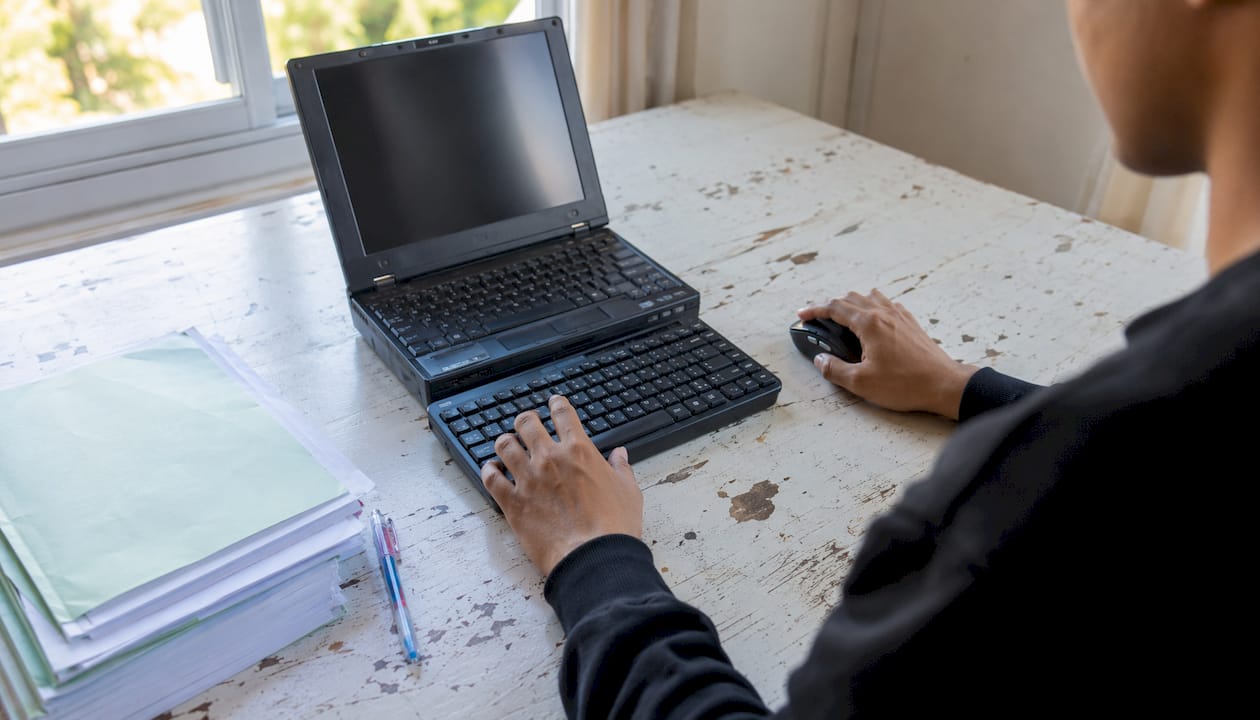
Sumatra PDF is the right call for any student on a slow or aging Windows PC. It opens a 10 MB past-paper PDF in under a second and uses almost no memory. The portable version runs directly from a USB drive, which is useful in school computer labs where you can’t install software. Annotation tools are minimal by design, so if you need to highlight and take notes, pair it with a second app or use it only for quick reading.
Xodo
Xodo shines on phones and tablets. Annotations sync across devices, so notes added on an Android phone appear when you open the same file on a laptop. Form-filling works well on mobile, which most desktop-first readers handle awkwardly. Students who study from a tablet will find Xodo the most natural fit. Cross-platform PDF reading tools like Xodo have become the practical standard for learners who switch between devices.
Okular, Preview (macOS), and PDF-XChange Editor
Okular is the go-to for Linux students and anyone who wants one viewer for PDFs, e-books, and presentation files. It supports advanced annotation and handles formats most readers ignore. Preview on macOS needs no introduction: it’s already on every Mac, supports basic highlighting and signing, and prints cleanly. PDF-XChange Editor’s free tier includes OCR, which is the standout feature here. If a scanned past paper comes through as an unselectable image, PDF-XChange can convert it to searchable text without a paid upgrade. Check the licensing terms before using it in a commercial or institutional context.
Security note: download all readers from their official sites only. Avoid third-party “free download” pages that bundle adware. Foxit’s Protected View and Adobe’s sandbox mode both reduce exposure to malicious PDFs.
How to download and annotate a past paper
- Go to Papersza and find your subject, grade, and year.
- Click the PDF link to download the paper (and memo if available) to your device.
- Open the file in your chosen reader and use the highlight or sticky-note tool to mark key sections.
- Save the annotated copy under a new filename so the original stays clean.
- Back up to Google Drive, OneDrive, or Dropbox so you don’t lose your notes.
Pro Tip: On a shared school computer or a slow device, run Sumatra PDF portable from a USB drive. It needs no installation and leaves nothing behind on the machine.
Papersza: where the papers actually are
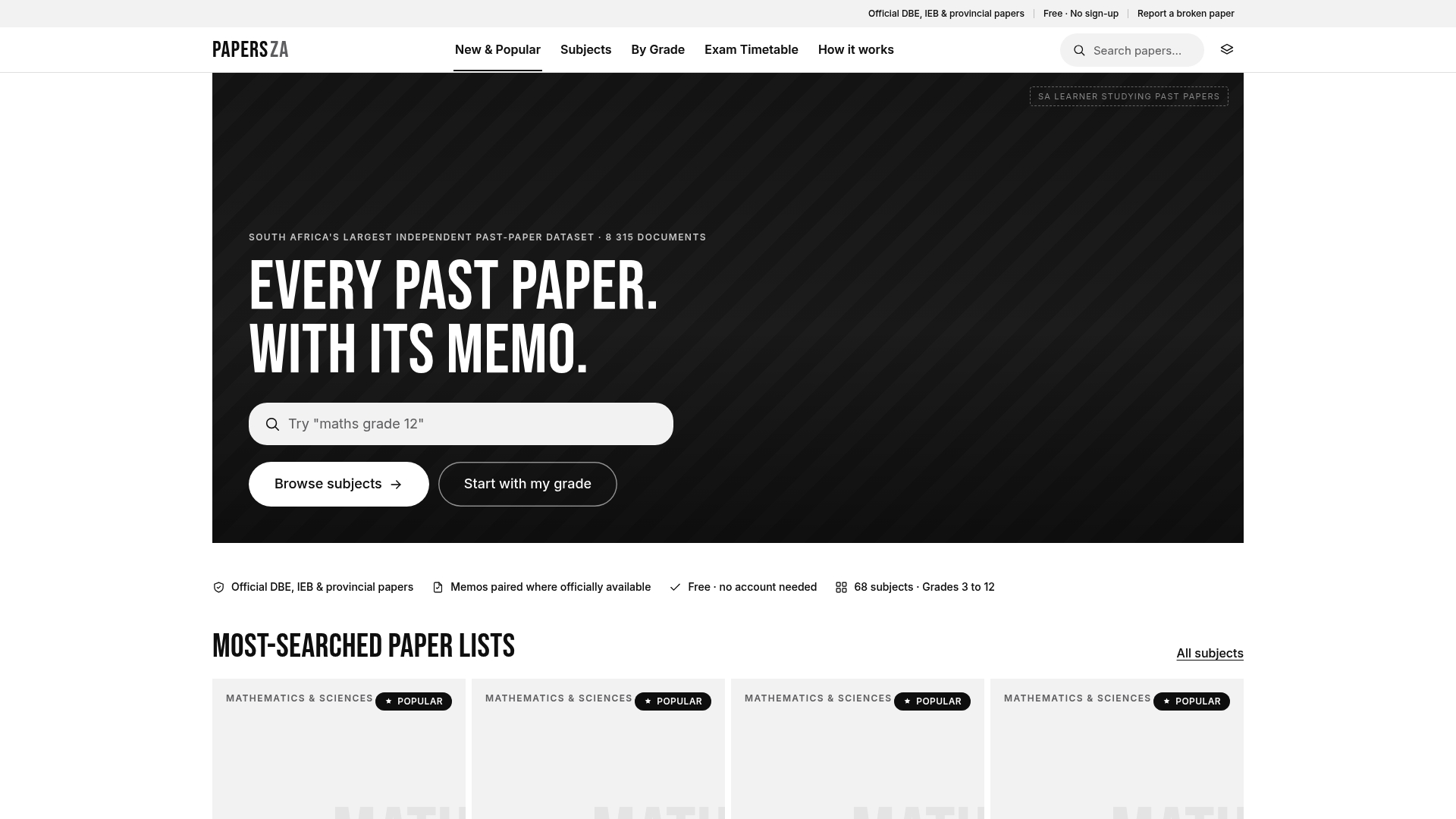
The readers above open the files. Papersza is where South African students, parents, and teachers find them. With over 8,315 past papers and memos covering grades 3–12 across DBE, IEB, and provincial sources, it’s the largest free independent library of its kind. No account, no subscription, no paywall. Papersza’s editorial and sourcing policy means every document is verified before it goes live, so you’re not downloading a corrupted or unofficial file. Start with Grade 12 English past papers or browse by subject and grade to find exactly what you need.
FAQ
Which PDF reader is best for students on older computers?
Sumatra PDF is the top pick for low-spec Windows PCs. It opens files almost instantly, uses minimal memory, and runs in portable mode from a USB drive with no installation needed.
Do I need a dedicated PDF reader or will my browser work?
A browser is fine for reading past papers quickly, but install a dedicated reader when you need to highlight, fill forms, add notes, or work with scanned OCR files.
Which reader handles scanned past papers best?
PDF-XChange Editor includes OCR in its free tier, converting scanned image-based PDFs into searchable, selectable text without a paid upgrade.
Where can I find free South African past exam papers?
Papersza hosts over 8,315 past papers and memos for grades 3–12 across DBE, IEB, and provincial sources, all free to download without creating an account.
Is Xodo good for annotating on a phone or tablet?
Yes. Xodo is built for mobile annotation and syncs notes across devices, making it the strongest choice for students who study on a phone or tablet.